

AI image model · OpenAINew
GPT Image 2.6 AI image generator
GPT Image 2.6 is the newest OpenAI image model on yier, with richer detail than GPT Image 2.5. Use it when texture and small details count.
GPT Image 2.6New
OpenAI · AI image model
from 10
What is GPT Image 2.6?
GPT Image 2.6 is OpenAI's newest image model on yier. It creates images at 1K, 2K or 4K in seven aspect ratios, from a text prompt or from reference pictures.
Compared with GPT Image 2.5 it adds richer detail, at a higher price per image. Choose it for hero images, product shots, detailed illustrations and busy posters; keep GPT Image 2.5 for quick everyday images.
What GPT Image 2.6 does well
Richer detail
Textures, materials and small elements get more definition, which shows most at 2K and 4K.
Edits from reference pictures
Upload pictures to restyle them, combine them or use them as a guide for products, characters and scenes.
Seven aspect ratios
From 9:16 stories to 16:9 banners, with square, 2:3, 3:2, 3:4 and 4:3 in between.
How to create images with GPT Image 2.6
- 1
Write a prompt or add pictures
Describe the image, or upload reference pictures to edit, restyle or combine them.
- 2
Choose the size
Pick the aspect ratio and the resolution, up to 4K. The credit price shows on the Create button.
- 3
Create and download
Press Create. Images usually arrive in under a minute; download them from your feed or your history.
GPT Image 2.6 prompt examples
Popular prompts from the GPT Image gallery on yier. Open one to see the full prompt and its images.
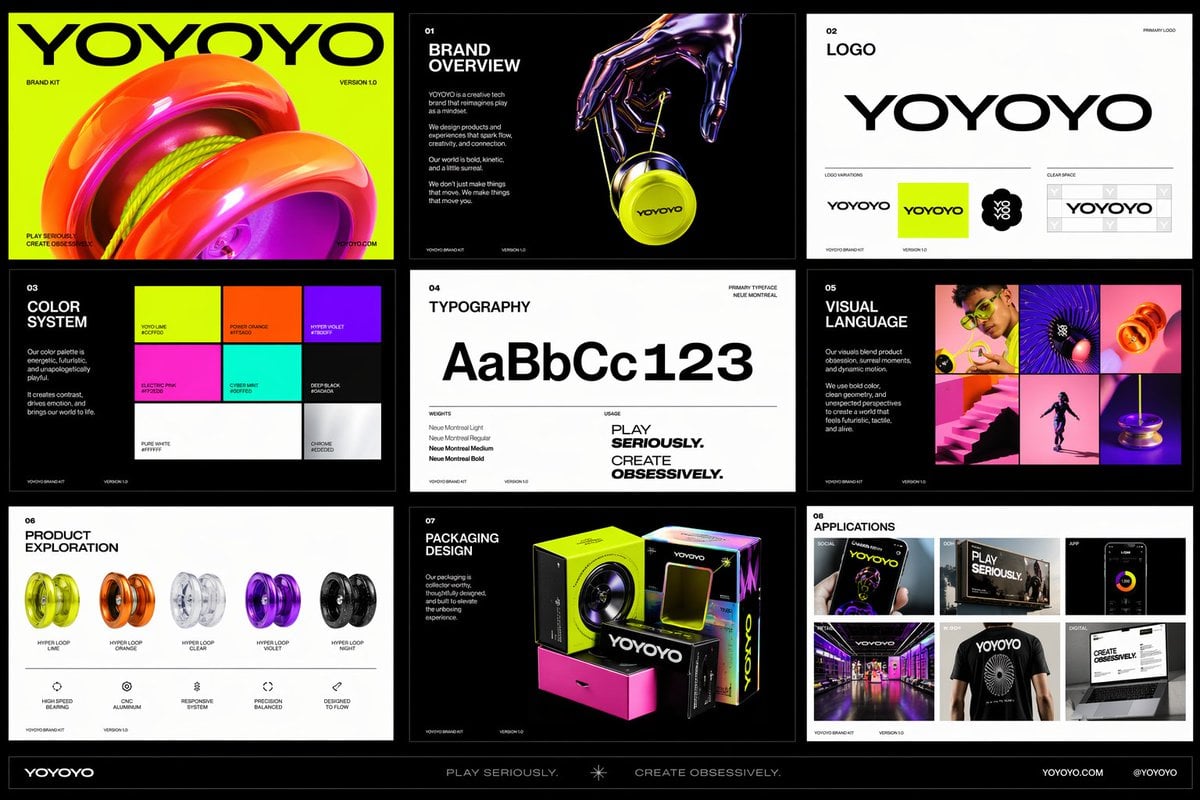
Create a polished multi-page (multiple images) brand kit for a company called [YOYOYO]. The brand should feel playful, futuristic, vibrant, and design-forward, blending the energy of a toy-inspired product with the sophistication of a premium creative tech brand. Use a bold, experimental visual identity with bright color, clean geometry, modern typography, dynamic motion cues, and slightly surreal imagery. The overall mood should feel inventive, youthful, rhythmic, tactile, and high-concept, with a balance of fun consumer product culture, fashionlike presentation, and contemporary digital design. Include a sense of product obsession, visual experimentation, packaging exploration, editorial photography, immersive retail, and cross-platform brand application. Make it feel like a confident, contemporary brand world that is both accessible and art-directed, with strong graphic cohesion and a premium creative-studio aesthetic.
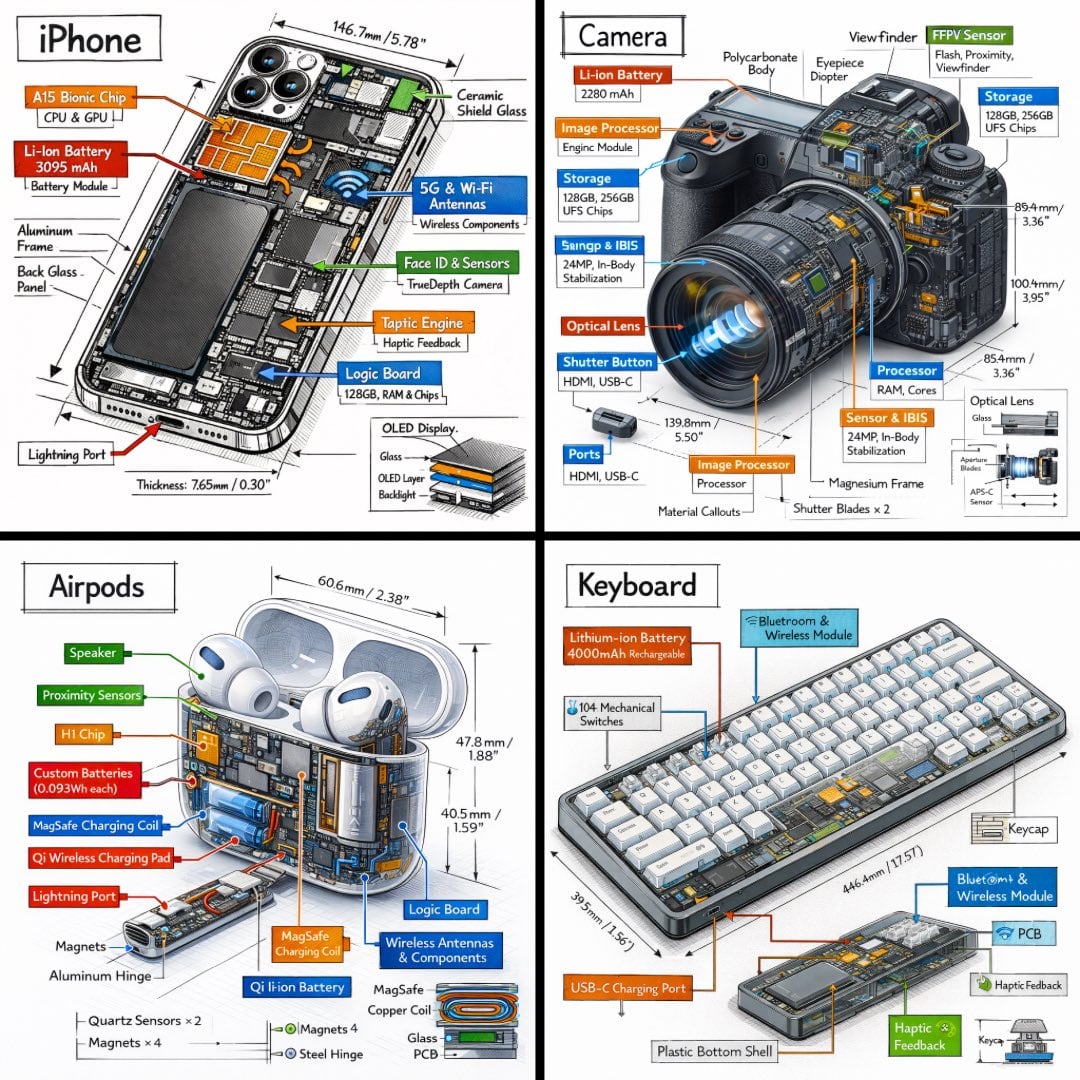
Create a technical infographic of [OBJECT] with a 45-degree isometric 3D perspective showing the device slightly tilted to reveal depth and dimension. Combine a realistic photoreal render with black ink technical annotations on pure white background. Include: Key component labels with color-coded callout boxes Internal component visibility through transparent/cutaway sections Measurements, dimensions, and precise scale markers Material callouts and quantities Color-coded arrows for function/flow: RED (power/battery), BLUE (data/connectivity), ORANGE (thermal/processor), GREEN (sensors/haptics) Simple schematics or cross-sectional diagrams where relevant Place “OBJECT” title in a hand-drawn technical box (top-left corner). Style: Black linework (technical pen/architectural), sketched but precise. Object remains clearly visible. Educational museum-exhibit vibe. Clean composition, balanced negative space. Perspective: Isometric 3D angle—tilted to show depth, dimension, and internal architecture dramatically. Like a professional product teardown or engineering manual. Colors: ~10-15% accent density. Black dominant. White background. Output: 1080×1080, ultra-crisp, social-feed optimized.
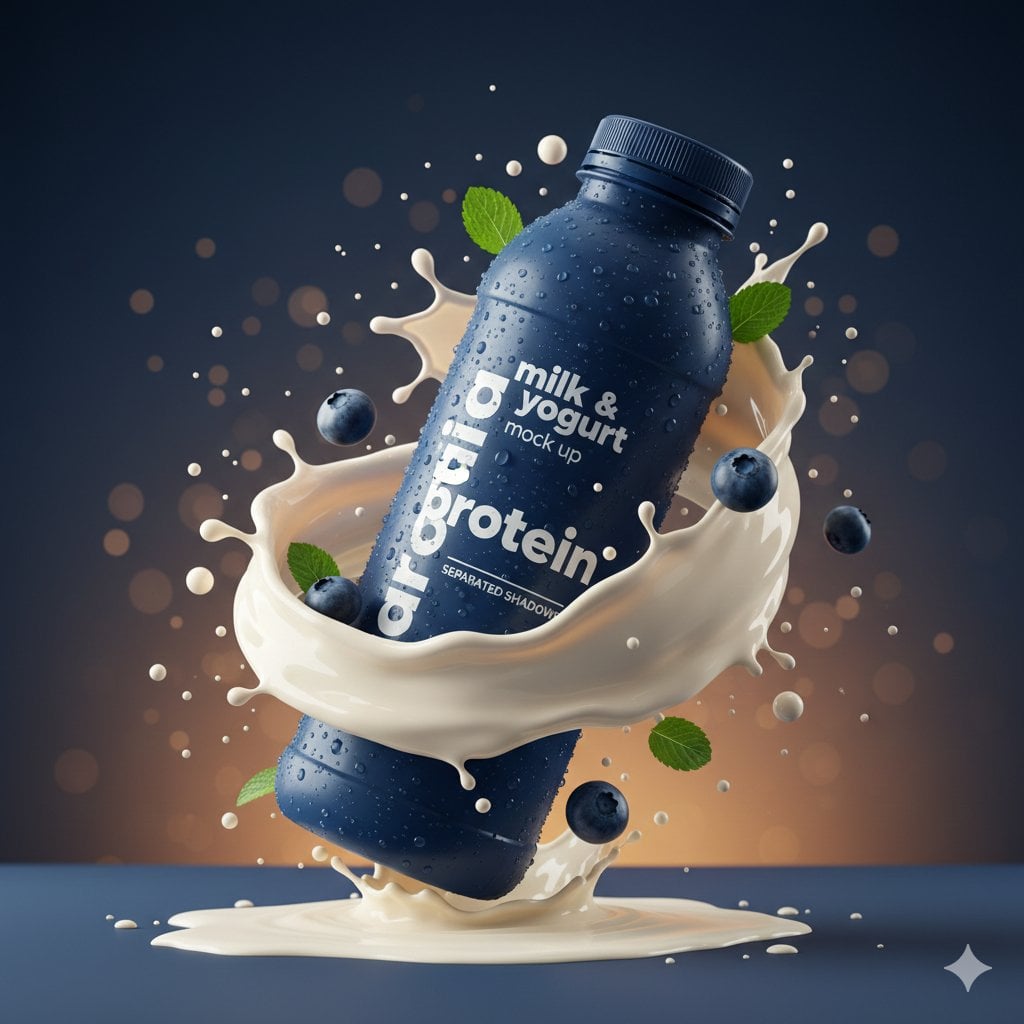
{ "master_prompt": { "global_settings": { "resolution": "8K ultra-high-definition", "aspect_ratio": "3:4 vertical", "style": "hyper-realistic AI-edited commercial product photography", "sharpness": "extreme clarity, micro-detail visibility", "lighting_quality": "cinematic studio lighting with controlled highlights and shadows", "motion_freeze": "high-speed capture, frozen splashes and particles", "noise": "none", "artifacts": "none" }, "module_1_image_1_style": { "subject": { "type": "plastic protein drink bottle", "color": "deep matte blue", "surface_details": "condensation droplets across entire bottle", "label_text_visible": [ "milk & yogurt", "mock up", "protein", "SEPARATED SHADOWS" ] }, "pose_and_orientation": { "position": "slightly tilted to the right", "angle": "three-quarter view", "motion_feel": "dynamic, leaning into splash" }, "liquid_and_motion": { "liquid_color": "white and light beige milk mixture", "texture": "smooth, creamy, fluid", "motion": "swirling splash rising around bottle base and sides" }, "floating_elements": { "blueberries": "whole and halved blueberries at different depths", "mint_leaves": "small green leaves with visible veins", "droplets": "milk droplets and spheres suspended mid-air" }, "background": { "color_gradient": "dark blue to warm amber", "bokeh": "soft circular light particles scattered throughout" }, "surface_and_reflection": { "base": "matte ground with light liquid pooling", "shadow_style": "soft separated shadow under bottle" } }, "module_2_image_2_style": { "subject": { "type": "metal coffee can", "color": "warm gold", "surface_details": "heavy condensation with visible droplets", "branding_text_visible": [ "NESCAFÉ", "Latte", "NEW LOOK", "ICED COFFEE WITH MILK", "SUGAR AND SWEETENER OPTIONAL" ] }, "pose_and_orientation": { "position": "upright, centered", "angle": "front-facing", "presence": "hero product stance" }, "liquid_and_motion": { "liquid_color": "coffee and milk blend", "motion": "splash erupting from base", "droplet_behavior": "fine droplets scattered outward" }, "floating_elements": { "coffee_beans": "whole roasted beans floating around can", "steam": "thick swirling steam rising upward", "embers": "tiny glowing particles in background" }, "background": { "color_palette": "deep brown, amber, gold", "atmosphere": "warm, smoky, intense" }, "surface_and_reflection": { "base": "wet surface with liquid splash crown", "reflection_quality": "subtle reflective highlights" } }
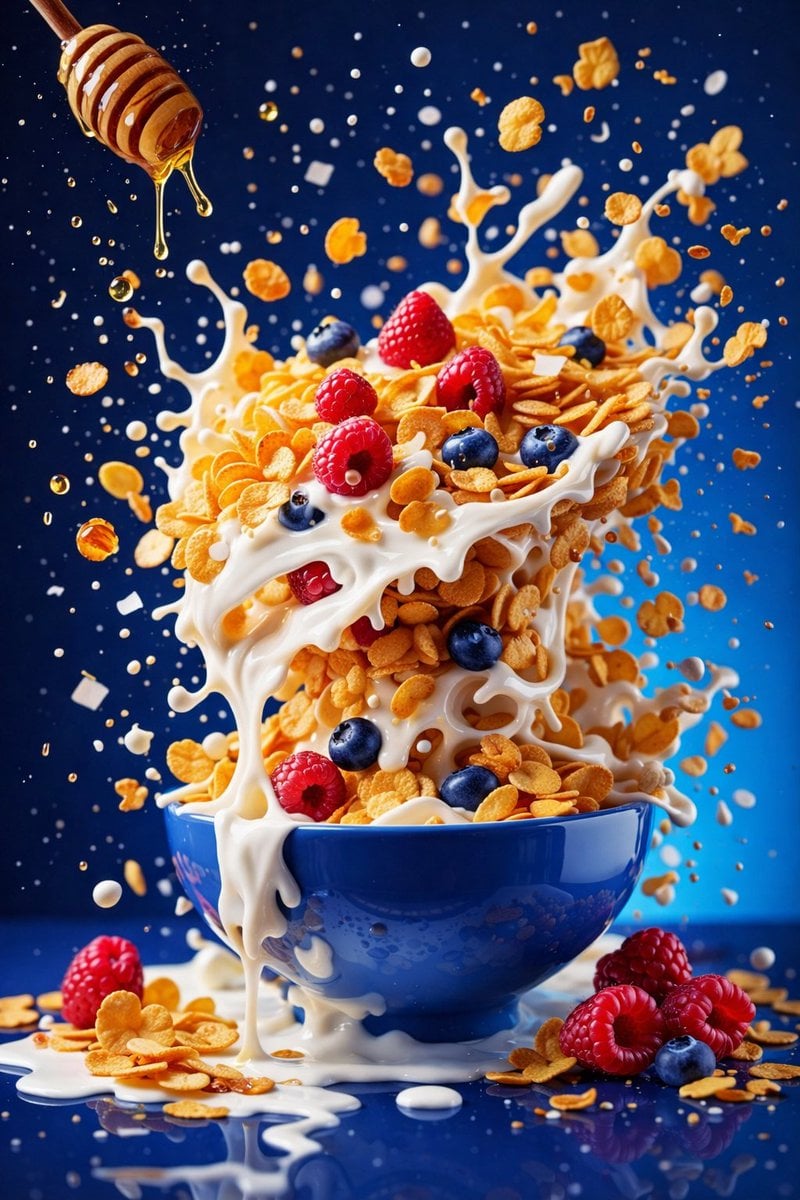
{ "resolution": "8K UHD", "aspect_ratio": "3:4", "image_style": "hyper-realistic commercial food photography", "global_settings": { "quality": "Ultra-high detail, sharp focus, studio-grade clarity", "lighting": "Soft but controlled studio lighting with visible highlights and splash definition", "motion": "Frozen mid-air action, ingredients suspended", "background_style": "Solid or smooth gradient background, color varies per module", "camera": "High-speed photography look, shallow to medium depth of field", "post_processing": "Balanced contrast, natural saturation, no artificial glow" }, "modules": { "module_1_berry_smoothie_explosion": { "scene_description": "A vibrant smoothie bowl exploding with fruit and liquid splashes", "bowl": { "color": "Deep blue ceramic bowl", "finish": "Glossy", "position": "Centered, floating mid-air" }, "base_contents": { "type": "Thick berry smoothie", "color": "Deep purple-magenta", "texture": "Creamy with visible swirl marks" }, "ingredients": { "fruits": [ "Banana slices (round, pale yellow)", "Blueberries (whole, dark blue)", "Raspberries (whole, red)" ], "herbs": [ "Fresh mint leaves (bright green)" ] }, "motion_effects": { "liquid": "Berry smoothie splashing upward and outward", "particles": "Small droplets suspended in air" }, "background": { "color": "Bright pink", "texture": "Smooth, seamless" } }, "module_2_minimal_pink_smoothie_bowl": { "scene_description": "Minimalist floating smoothie bowl with granola and berries", "bowl": { "color": "Light pink ceramic bowl with dark speckles", "finish": "Matte", "position": "Floating centrally" }, "base_contents": { "type": "Smoothie", "color": "Soft pink with purple undertones", "texture": "Thick and smooth" }, "toppings": { "granola": "Golden-brown oat clusters", "seeds": "Small black seeds scattered", "fruits": [ "Strawberries (halved)", "Raspberries (whole)", "Blackberries (whole)" ] }, "motion_effects": { "ingredients": "Granola flakes, seeds, and berries floating gently" }, "background": { "color": "Pastel lavender", "gradient": "Subtle, soft gradient" } }, "module_3_cereal_milk_honey_splash": { "scene_description": "Dynamic cereal stack with milk splash and honey drizzle", "bowl": { "color": "Blue ceramic bowl", "finish": "Glossy", "position": "Centered, resting visually but surrounded by motion" }, "contents": { "cereal": "Golden cornflakes stacked vertically", "milk": "White milk splashing and dripping over flakes", "fruits": [ "Raspberries", "Blueberries" ] }, "additional_elements": { "honey": { "source": "Wooden honey dipper", "state": "Honey dripping mid-air" } }, "motion_effects": { "splashes": "Milk splashes frozen in dramatic arcs", "particles": "Floating flakes and droplets" }, "background": { "color": "Deep blue", "tone": "High contrast" } }, }
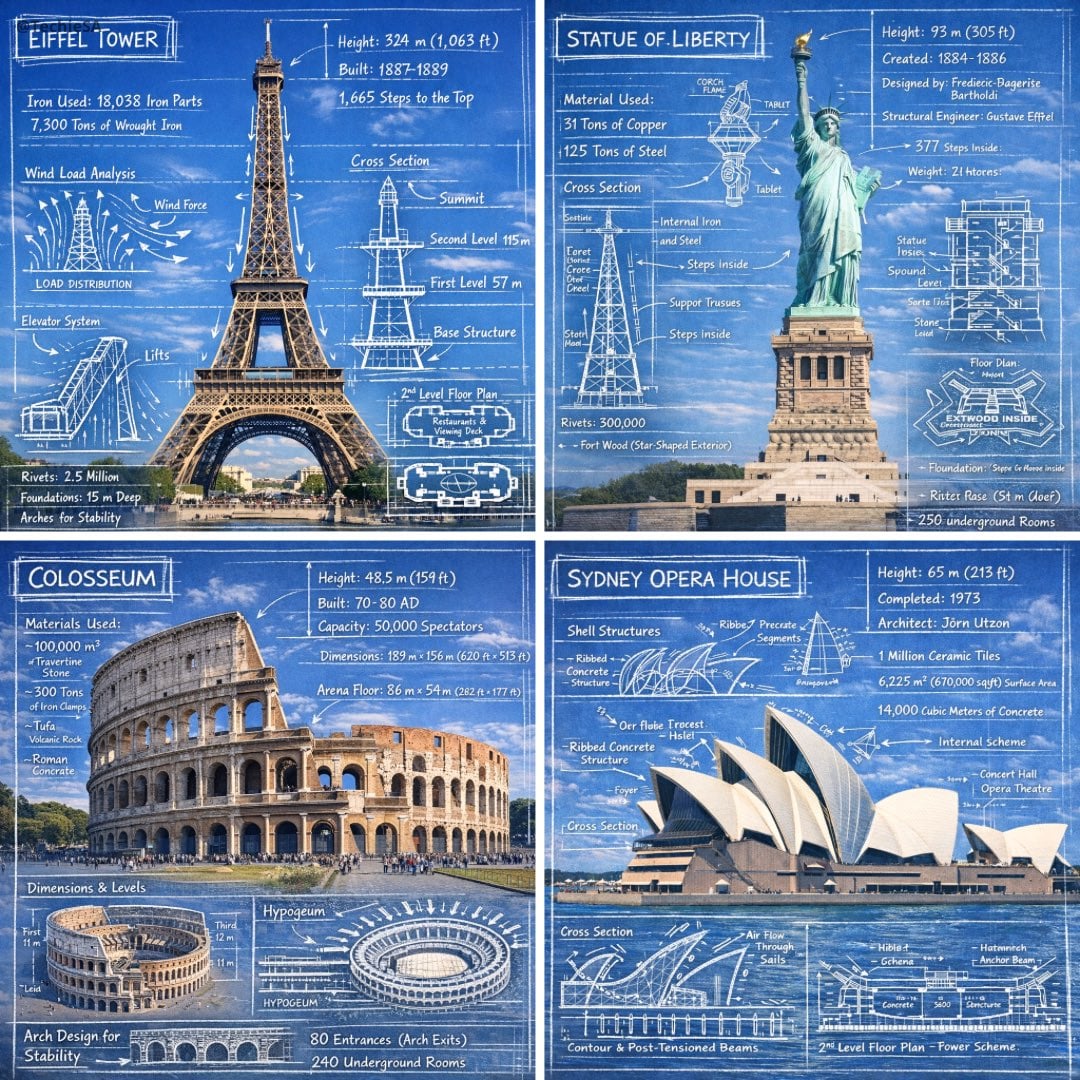
Create an infographic image of [LANDMARK], combining a real photograph of the landmark with blueprint-style technical annotations and diagrams overlaid on the image. Include the title “[LANDMARK]” in a hand-drawn box in the corner. Add white chalk-style sketches showing key structural data, important measurements, material quantities, internal diagrams, load-flow arrows, cross-sections, floor plans, and notable architectural or engineering features. Style: blueprint aesthetic with white line drawings on the photograph, technical/architectural annotation style, educational infographic feel, with the real environment visible behind the annotations.
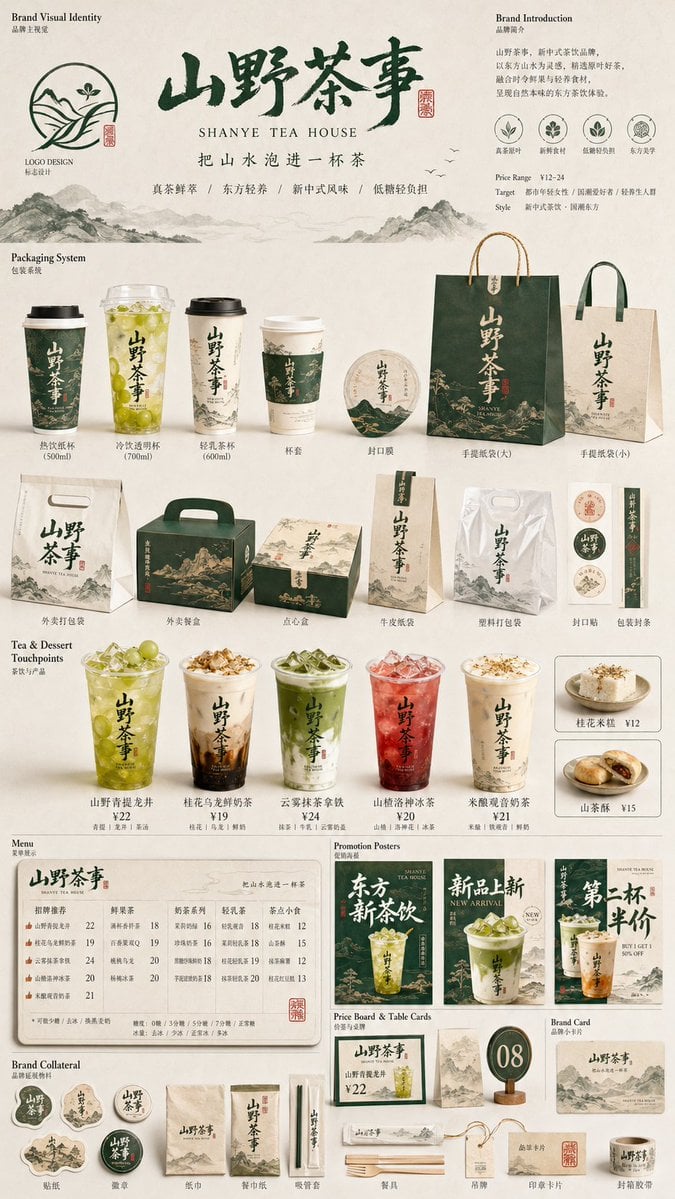
生成一张[餐饮品牌触点矩阵]系列视觉图,用于展示一个完整的餐饮品牌视觉系统与包装应用方案。 这是一个面向餐饮行业的品牌VI样机展示板 / 包装系统陈列图 / 品牌提案页。画面不是单张宣传海报,而是将品牌主视觉、主打产品、包装物料、菜单信息、促销内容与小型延展物料整合成一张系统化品牌展示图。 【用户输入信息】 - 品牌名:[品牌名] - 经营类目:[经营类目] 【可选补充信息】 - 主打产品:[主打产品] - 品牌口号:[品牌口号] - 风格方向:[风格方向] - 主色调:[主色调] - 辅助色:[辅助色] - 客群定位:[客群定位] - 价格定位:[价格定位] - 地域风格:[地域风格] - 画幅比例:[画幅比例] 【自动补全规则】 如果用户没有提供完整品牌信息,请根据【品牌名】与【经营类目】自动推导并完成最优组合,包括: 1. 判断品牌调性(年轻、亲和、国潮、复古、清新、治愈、精致、快餐感等) 2. 匹配适合该类目的视觉风格 3. 自动设定合理的主色、辅助色与点缀色 4. 自动补全主打产品与辅助产品 5. 自动生成适合餐饮传播的品牌口号、卖点文案、价格信息与推荐标签 6. 自动匹配合适的餐饮物料类型与展示内容 【画面内容要求】 画面中应围绕【品牌名】构建一整套餐饮品牌物料系统,包含但不限于以下内容: - 核心包装:手提袋、外卖袋、包装盒、打包盒、纸袋、塑料袋 - 饮品 / 食品容器:纸杯、杯套、碗、餐盒、封口贴、标签 - 信息传播物料:菜单、促销海报、价格牌、桌牌、立牌、小卡片 - 小型品牌延展:贴纸、徽章、纸巾、餐具、包装封条、吊牌 - 产品表现:主打餐品照片、单品主视觉、食物特写、切面图、推荐组合图 【构图与版式要求】 采用竖版【画幅比例】构图,整体为白色、米白色或浅灰色背景,以品牌提案板 / 样机矩阵板的方式组织画面。 通过大中小物料混排形成视觉层级: - 大型包装和主视觉物料作为视觉锚点 - 中型菜单、海报和价格模块负责信息传达 - 小型贴纸、餐具、标签与周边物料增强系统完整度 整体构图应具有明确秩序感,接近品牌方案展示页、作品集陈列页、包装提案页的视觉效果。元素要排列整齐但不呆板,丰富但不杂乱,具有模块化与可阅读性。 【风格与质感要求】 整体风格应符合【经营类目】与【品牌名】气质,具有明显的餐饮品牌感、商业传播感、样机展示感与系统设计感。 可融合以下风格倾向:现代简洁、国潮趣味、轻复古、生活方式感、快消感、温暖治愈感、年轻化传播感。 材质真实,包含纸张、塑料、布袋、包装盒、杯体、贴纸、餐具等真实物料质感;光影柔和统一,像在干净摄影棚环境中拍摄的品牌物料合集。 【文字与图形要求】 所有物料上应统一出现品牌名、Logo、品牌符号、主色块、口号或卖点文案。 文案可为中文或中英混排,但要符合餐饮传播表达,简洁直接,具备商品售卖感。 图形系统可以根据品牌调性选择简洁插画、几何图形、卡通吉祥物、符号化图标或辅助纹样,用于增强品牌记忆点。 【输出目标】 最终生成一张完整的【品牌名】餐饮品牌视觉系统展示图,像设计团队为该餐饮品牌制作的整套品牌提案样机板。 要求画面统一、精致、具备商业落地感与作品集展示质量,并能清楚体现品牌风格、主打类目与多触点包装延展能力。 Make the aspect ratio 9:16
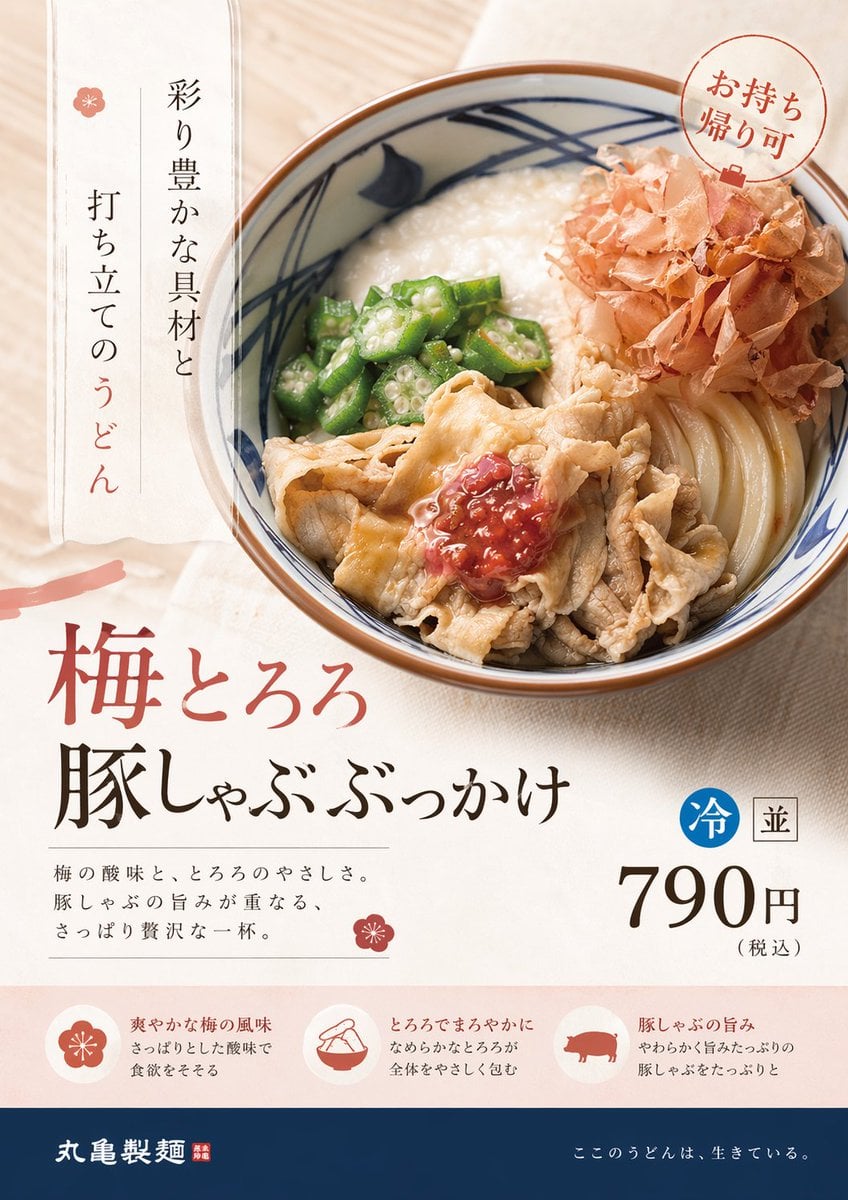
この商品広告をプロのデザイナー目線でリデザインして。 今のトレンド、ターゲットに合わせた洗練されたデザインで。
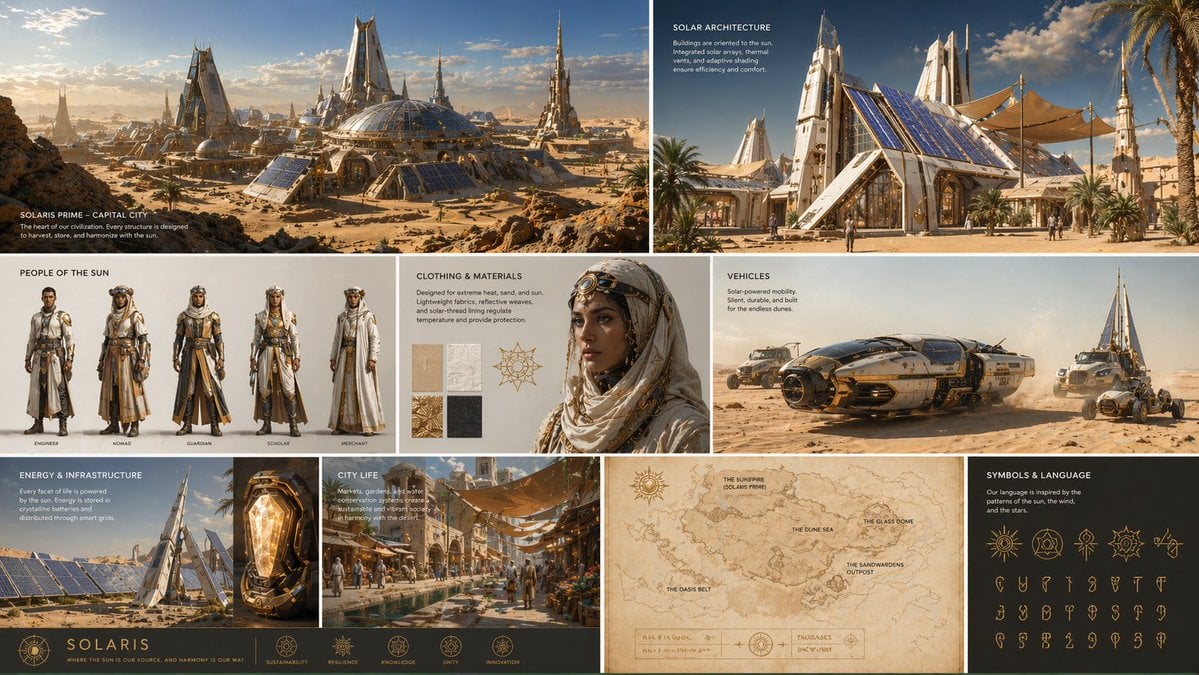
Create a complete visual worldbuilding set for a futuristic desert civilization powered by solar technology, multiple images including architecture, characters, clothing, vehicles, and maps, cohesive design language, cinematic realism, ultra detailed.
GPT Image 2.6 price
| Resolution | Per image |
|---|---|
| 1K | 10 credits |
| 2K | 10 credits |
| 4K | 12 credits |
Priced per image, by resolution. The price shows on the Create button before you start, and credits for a failed generation are refunded automatically. See plans
Other AI image models
All modelsGPT Image 2.5
OpenAI
Fast and accurate, with strong text rendering. The default image model.
Nano Banana 2
Fast, reasoning-guided generation with a balance of speed and quality.
Nano Banana Pro
Google's highest-quality model, for detailed and artistic images.
Seedream 5.5New
ByteDance
Natural portraits and good Chinese text, at 1K or 2K.
Kling Image 4.0New
Kuaishou
Product photos and posters with clear text, from your pictures.
GPT Image 2.6 FAQ
GPT Image 2.6 vs 2.5: what is the difference?
GPT Image 2.6 is the newer model, with richer detail. GPT Image 2.5 is fast, accurate, strong at text and costs fewer credits per image. Start with 2.5 and move to 2.6 when an image needs more detail.
How much does GPT Image 2.6 cost?
On yier, one GPT Image 2.6 image costs 10 to 12 credits, depending on the resolution.
Is GPT Image 2.6 free?
Each generation costs credits, and the price shows before you start. New accounts get 20 sign-up credits, enough to try GPT Image 2.6 at the lowest resolution.
What is GPT Image 2.6 good for?
Images where detail carries the result: product photos, food, interiors, detailed illustrations and posters with a lot going on. For simple graphics and drafts, GPT Image 2.5 does the job for fewer credits.
What sizes does GPT Image 2.6 support?
GPT Image 2.6 makes images at 1K, 2K, or 4K, in 1:1, 2:3, 3:2, 3:4, 4:3, 9:16, or 16:9.
How long does GPT Image 2.6 take?
Usually under a minute per image.
Create with GPT Image 2.6
The studio opens with GPT Image 2.6 selected. The credit price shows before you start.
Create with GPT Image 2.6