

AI video model · ByteDance
Seedance 2.0: image to video and text to video
ByteDance's Seedance 2.0 balances quality and price. Animate your own photo, or describe a scene and get a 5 or 10 second clip.
Seedance 2.0
ByteDance · AI video model
from 160

What is Seedance 2.0?
Seedance 2.0 is a video model from ByteDance. On yier it makes 5 or 10 second clips at 480p, 720p or 1080p, in 16:9, 9:16 or 1:1, from a text prompt or from pictures you upload.
It is the balanced choice among the video models here: it accepts the same inputs as Seedance 2.5 and costs fewer credits per second. That makes it a good fit for turning photos into short clips, social posts and trying out many ideas.
What Seedance 2.0 does well
Photo to video
Upload a photo as the first frame and describe what should move. The clip starts from your picture, so your subject, product or place is the one on screen.
Start and end on your own frames
Add a last frame as well, and Seedance 2.0 fills in the motion between the two pictures: transitions, reveals and before-and-after clips.
Room to experiment
A lower price per second than Seedance 2.5, plus a 480p tier, lets you try several prompts and keep the best take.
How to make a video with Seedance 2.0
- 1
Write your prompt
Describe the subject, the action and the camera, or upload a first frame (and a last frame) to start from your own pictures.
- 2
Choose the settings
Pick the aspect ratio, the resolution and 5 or 10 seconds. The credit price updates as you change them.
- 3
Create the clip
Press Create. The clip appears in your feed in a few minutes and stays in your history.
Seedance 2.0 price
| Resolution | Per second | 5-second clip | 10-second clip |
|---|---|---|---|
| 480p | 32 credits | 160 credits | 320 credits |
| 720p | 49 credits | 245 credits | 490 credits |
| 1080p | 111 credits | 555 credits | 1110 credits |
Priced per second of output. A 10-second clip costs twice a 5-second one. The price shows on the Create button before you start, and credits for a failed generation are refunded automatically. See plans
Other AI video models
All models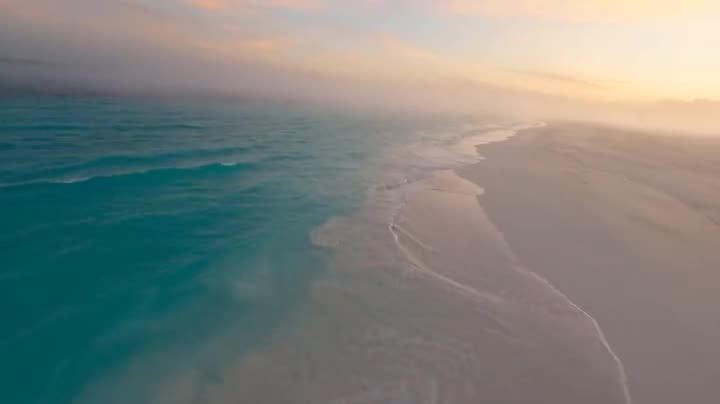
Seedance 2.5New
ByteDance
The newest Seedance model: the most detailed motion and lighting, from text or pictures.
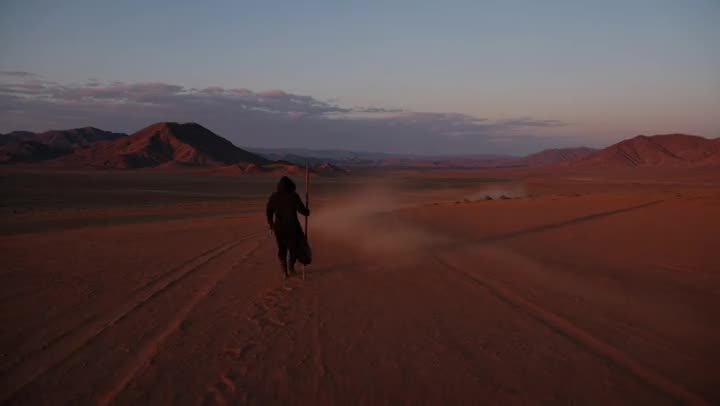
Kling V4
Kuaishou
Cinematic camera moves and realistic people, from a text prompt.

Hailuo H3
MiniMax
The lowest price per second, for drafts and many takes.
Seedance 2.0 FAQ
How do I turn a photo into a video with Seedance 2.0?
Open the studio with Seedance 2.0 selected, upload your photo as the first frame and describe the motion: what moves, how fast and where the camera goes. Pick 5 or 10 seconds and a resolution, then press Create. The clip appears in your feed when it is ready.
How much does Seedance 2.0 cost?
On yier, Seedance 2.0 costs 32 to 111 credits per second of video, depending on the resolution. The cheapest 5-second clip costs 160 credits.
Is Seedance 2.0 free?
No. Each generation costs credits, and the price shows before you start. New accounts get 20 sign-up credits; one Seedance 2.0 generation needs at least 160 credits.
Can Seedance 2.0 turn a picture into a video?
Yes. Upload a picture as the first frame, or a first and a last frame, and Seedance 2.0 animates the scene or fills in the motion between them.
What is Seedance 2.0 best for?
Short clips where price matters: animated photos, product and food shots, social videos and drafts. For the most detailed motion and lighting, run the same prompt on Seedance 2.5.
What sizes does Seedance 2.0 support?
Seedance 2.0 makes clips of 5 or 10 seconds at 480p, 720p, or 1080p, in 16:9, 9:16, or 1:1.
How long does Seedance 2.0 take?
Usually a few minutes per clip. At busy times some video models queue for longer.
Create with Seedance 2.0
The studio opens with Seedance 2.0 selected. The credit price shows before you start.
Create with Seedance 2.0